Common Crawl, from the command line
ccrawl is a single pure-Go binary that puts the whole Common Crawl dataset behind a tool that feels like curl. Find a URL in the index, fetch the exact capture, stream WARC/WAT/WET archives, run SQL over the columnar index, and look up domain ranks, with no credentials and nothing to pay for.
Working with Common Crawl usually means stitching together the CDX API, S3 paths, multi-member gzip WARC files, and a pile of Python. ccrawl puts all of it behind one tool with sensible defaults, real output formats, and pipelines that compose.
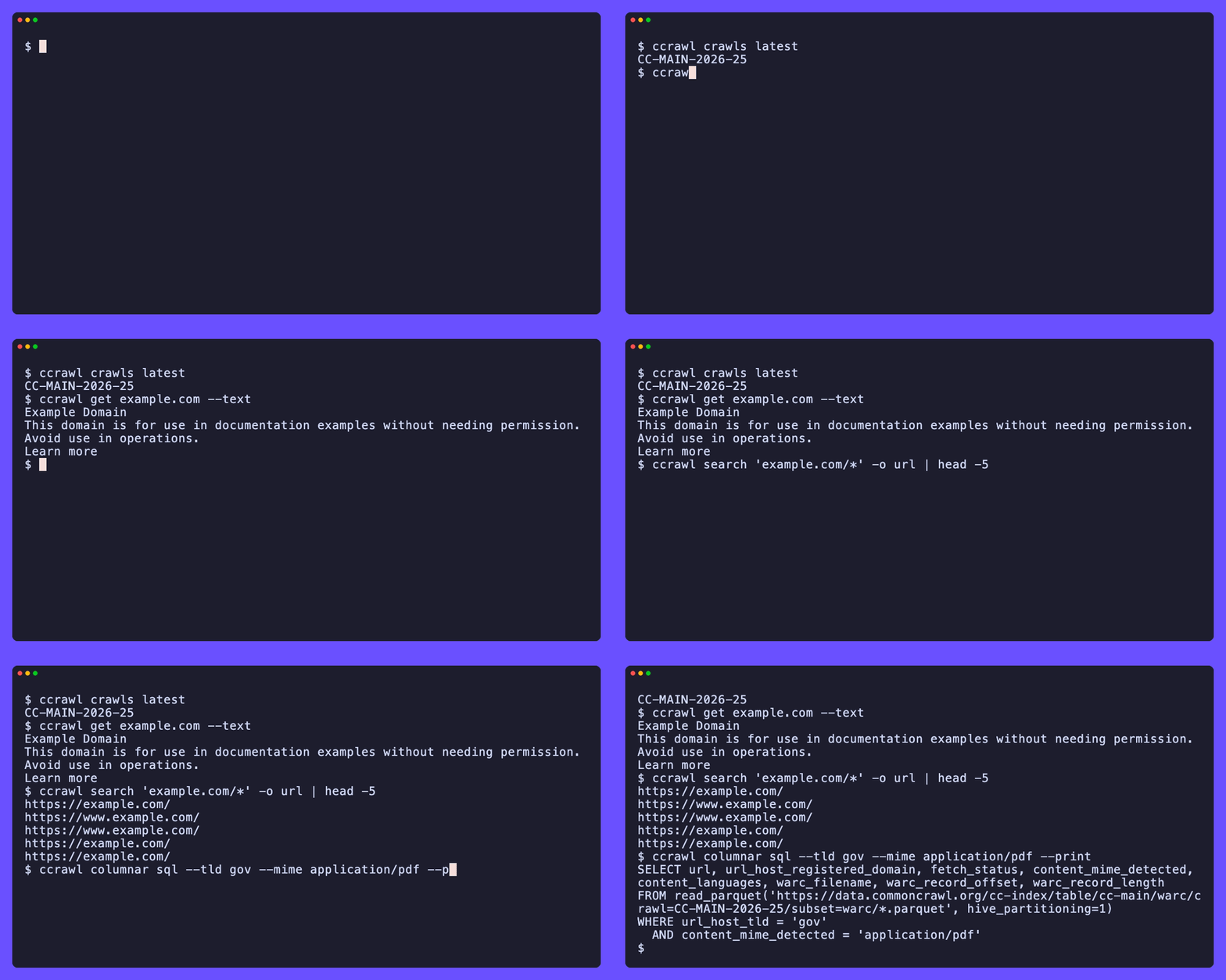
ccrawl get example.com --text          # the readable text of the latest capture
ccrawl search 'example.com/*' -o url   # every captured URL under a path
ccrawl columnar count --tld gov           # how many .gov pages are in the crawl
ccrawl rank domain example.com         # where the domain sits in the web graph
It speaks to the public data on data.commoncrawl.org over plain HTTPS, so there is nothing to sign up for.
The binary is pure Go with no runtime dependencies.
DuckDB is optional and only used to run the columnar index queries locally; without it, ccrawl prints ready-to-run SQL instead.
What you can do with it
- Find captures. Query the URL index (CDX) for any URL or path pattern, filter by status, MIME, or language, and render the result as a table, JSONL, CSV, or just URLs.
- Fetch the real bytes.
ccrawl getdoes the index lookup and the byte-range fetch in one step, then hands you text, Markdown, links, or the raw HTTP response. A WARC record is a single gzip member, so it downloads just that record, not the whole file. - Work in bulk. List and download whole archive files, parse them locally, and convert WARC/WAT/WET to Parquet or JSONL for your own pipeline.
- Query the columnar index. Answer dataset-wide questions over the Parquet copy of the index with DuckDB, or print the SQL and run it in Athena, Spark, or Trino.
- Look up ranks. Read harmonic-centrality and PageRank positions from the Common Crawl web graph for any host or domain.
Where to go next
- New here? Start with the introduction for the mental model, then the quick start.
- Want to install it? See installation.
- Looking for a specific task? The guides cover finding pages, fetching content, bulk archives, the columnar index, datasets, ranks, and news.
- Need every flag? The CLI reference is the full surface.